#HOWTOREGISTER • How To Register
Part of 77th Annual Melba Community Auction Online Auction (live auction by Baker Auction Charity)
High bid $1.00
Status: NO SALE
Category: HOWTOREGISTER
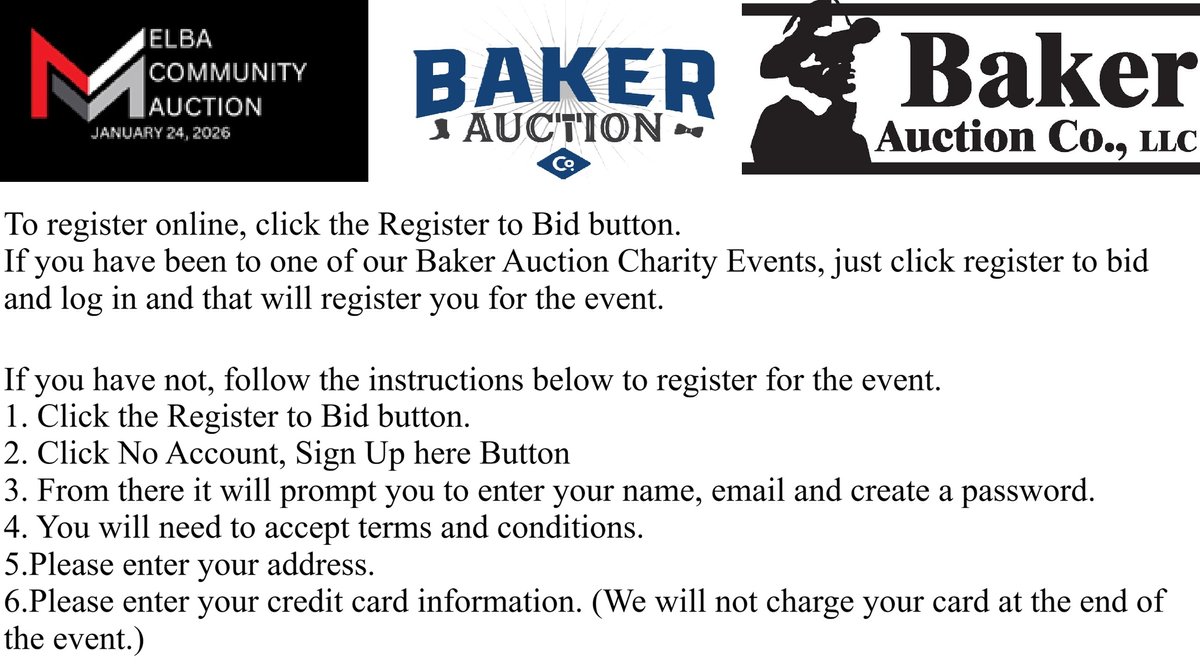
To register online, click the Register to Bid button. If you have been to one of our Baker Auction Charity Events, just click register to bid and log in and that will register you for the event. If you have not, follow the instructions below to register for the event. 1. Click the Register to Bid button. 2. Click No Account, Sign Up here Button 3. From there it will prompt you to enter your name, email and create a password. 4. You will need to accept terms and conditions. 5.Please enter your address. 6.Please enter your credit card information. There is a 3.3% processing fee for all cards ran the night of the event. We will be running cards at the conclusion of the evening. If you have any questions feel free to email info@bakerauctionco.com. Once you have registered, please go download our app from your app store. Baker Auction Charity app. PLEASE ALLOW FOR NOTIFICATIONS. This will be how you will get your outbid notifications from our app. There is a 3.3% processing fee to all cards charged. Cards will be ran at the conclusion of the evening. Invoices will be sent to the email you put on file. If it is not in your regular inbox please check your Junk mail as well. If you have any questions feel free to email info@bakerauctionco.com.